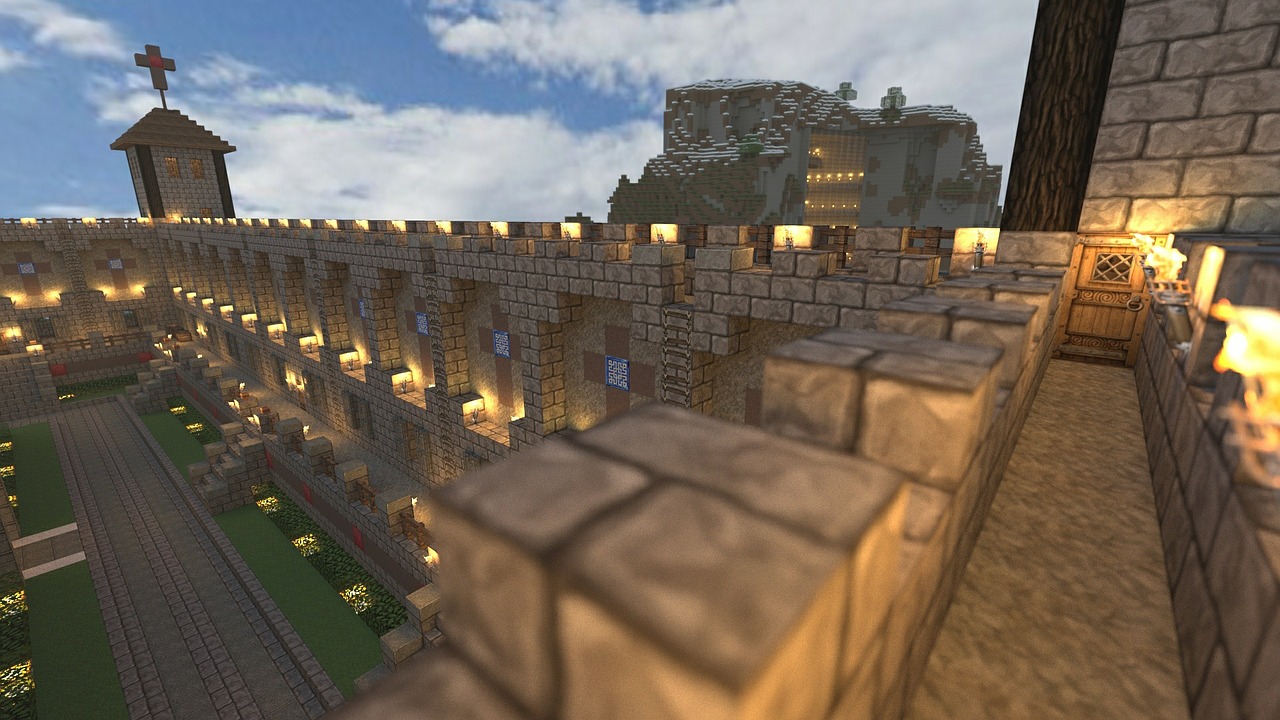
Downloads: SeaOfMemesSeaOfMemes is the main project on this site. It's is intended to be an MMO which supports Minecraft-style buildings. Currently, the demo only shows some background scenery of the solar system I am putting together. You can fly between the planet, moon and ring, and sort of "land" on them. There's no increase in detail though, so this is mostly useful to see how the skies would look from various vantage points. More to come. Here's a video showing the demo.
Demo ControlsThe demo shows either a desktop cursor (arrow) or a shooter-style cursor (cross.) In desktop mode, you can move the cursor out of the window or close the window. In shooter mode, moving the mouse turns the eye. Hit ESC to switch between modes. In both modes, the W, S, A and D keys have the standard definitions (forward, back, left, right.) The cursor keys are also defined: up arrow (forward), down arrow (back), right arrow (turn right), left arrow (turn left.) Hit "L" to initiate landing on an object, or transition into "space" coordinates if you are already landed. The distance indicator at top-right (under the velocity) will be missing if you are landed, and present in space. It will be red if you are within landing distance of an object. The demo can be downloaded here: For Windows, download Part 60 SeaOfMemes - Windows. For Linux, download Part 60 SeaOfMemes - Linux. For Mac, download Part 60 SeaOfMemes - Mac. Source CodeDownload the complete project source at Part 60 Source. or find it on GitHub at: https://github.com/mgoodfel/SeaOfMemes The source directory will look like:
Source
Games
BuildLinux
BuildOSX
BuildWin
SeaOfMemes
BuildLinux
BuildOSX
BuildWin
... plus source
Crafty
... build directories
... plus source
McrView
... build directories
... plus source
Demos
... build directories
TestCube
BuildLinux
BuildOSX
BuildWin
... plus source
... other demos
Milligram
BuildLinux
BuildOSX
BuildWin
mgUtil
mgPlatform
mg2D
mg3D
mgGUI
JpegLib
FreeType
Ogg
Vorbis
ZLib
In Milligram/BuildLinux, etc., there are makefiles which will build the entire set of libraries. Similarly, in Demos/BuildLinux, etc., there are make files to build all the framework demos. In Games/BuildLinux, etc. there are makefiles to build all the games. These top level build directories contain makefiles which call the project make files. (ex: Games/SeaOfMemes) In each project, the BuildLinux directory contains a makefile, tested under Ubuntu Linux 10.10. The BuildOSX directory contains XCode project files, tested under MacOS 10.7 (Lion). The BuildWin directory contains Microsoft Visual C++ 2010 Express project files (.sln), tested under Windows 7. First, build all the libraries in Milligram. Under Linux, do: cd Milligram/BuildLinux make On the mac, do: cd Milligram/BuildOSX make On Windows, open a Vistual Studio Command shell, then do: cd Milligram/BuildWin nmake makefile.mk Assuming this all compiles, do the same in Demos/BuildLinux, etc. And finally, make Games/BuildLinux, etc. The simplest program in the release is Demos/TestCube. If this runs, your graphics card is supported and the other programs will hopefully run. Contact me if you have any trouble.
There are also top level Source/BuildWin, etc. directories. These build the whole
tree in release mode, plus the release zip files you find on this site.
|